
[email protected]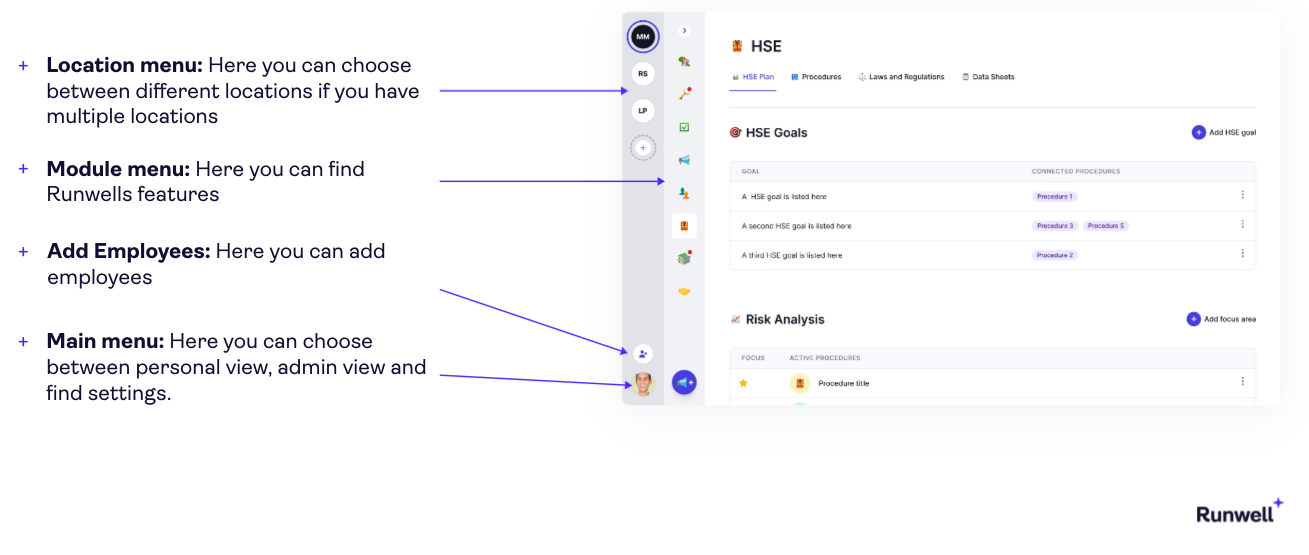
How to navigate in Runwell
The picture under will show you the different menus in Runwell:
-
Location menu: Here you can choose between different locations if you have multiple locations
Location menu: Here you can choose between different locations if you have multiple locations
-
Module menu: Here you can find Runwells features
Module menu: Here you can find Runwells features
-
Add Employees: Here you can add employees
Add Employees: Here you can add employees
-
Main menu: Here you can choose between personal view, admin view and find settings.
Main menu: Here you can choose between personal view, admin view and find settings.
